Parent of ScreenWithMenuElements.
A screen dedicated to present a timed screen, meant to showcase the game to bystanders to get interest to play. This is commonly used in screens like ScreenHowToPlay, ScreenDemonstration, ScreenHighScores.
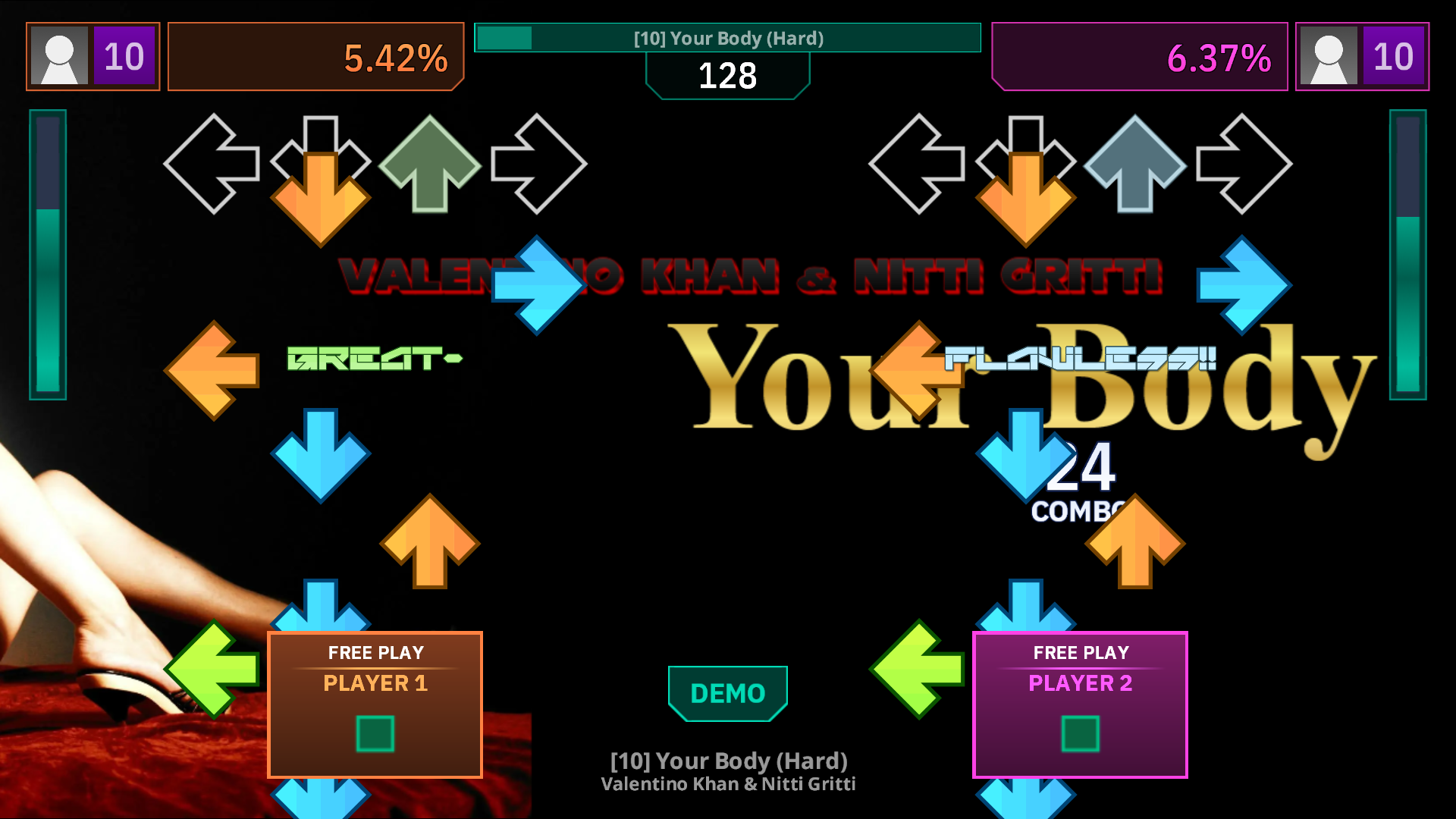
An example of ScreenDemonstration, a screen which uses ScreenAttract as an extension and for controls.
When the screen is set to this class/fallback, the screen behaves automatically, with a invisible timer that counts down before going to the next screen. Button presses like Start, Select or Back will "Cancel", and send you back to the screen assigned in the StartScreen metric.
Pressing any direction buttons will force the timer to be 0 and move on to the NextScreen.
¶ Available Metrics
| Name | Default Value | Description |
|---|---|---|
| BackGoesToStartScreen | true | Changes the behaviour for the back button to use the NextScreen instead of PrevScreen. |
| ResetGameState | false | Requests the game to reset GameState. |
| AttractVolume | 1 | Sets the starting volume for the screen. |
¶ Screen Behaviour
Upon entering the screen, if the screen is the same name as Common::FirstAttractScreen, an internal counter is increased that will determine if this attract loop will play its audio or not. By default, the attract sound frequency is set to EveryTime, which will make it always play audio when it enters these kinds of screens.
When a player inserts coins, if the coin count reaches the amount to enter a full credit (CoinsPerCredit), the screen will automatically cancel to return to the title screen.